Your first memory and your first search
Connect your agent, store one decision, and find it again from a new session.
On this page5 parts
Connect your agent
Choose your agent in the agent picker and do its steps. Each agent also has its own guide: Claude Code, Codex, OpenCode, claude.ai, ChatGPT and Any MCP client.
Ask it to remember one decision
First choose who reads it. The agent stores a decision under a
learning/key, and everyone in your organization reads that key. To keep it to yourself, ask for anote/key. Then say one real decision, in this shape:Remember this decision: we <the decision your team keeps repeating>, because <its reason>.The Mana rules tell the agent to store your exact words.
See its key and who reads it
The agent names the key, such as
learning/<slug>. If it does not, ask it.With no organization at sign-in, you have a personal space. You are its only member, so only you read it.
Find it in Search
Sign in here with the account of your agent, and open Search. Your memory is in Written this week, newest first. Open it to see its key and its text.
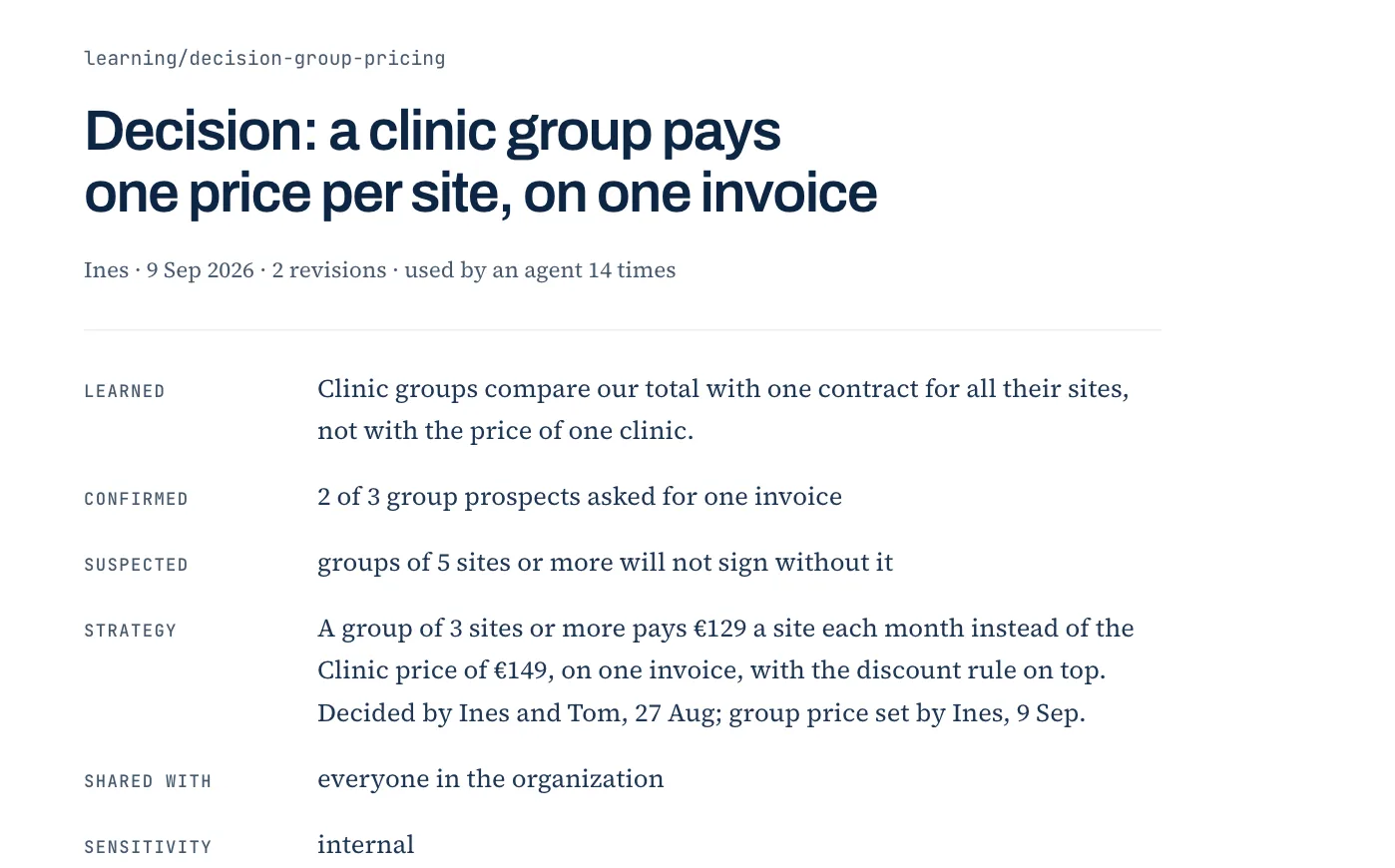
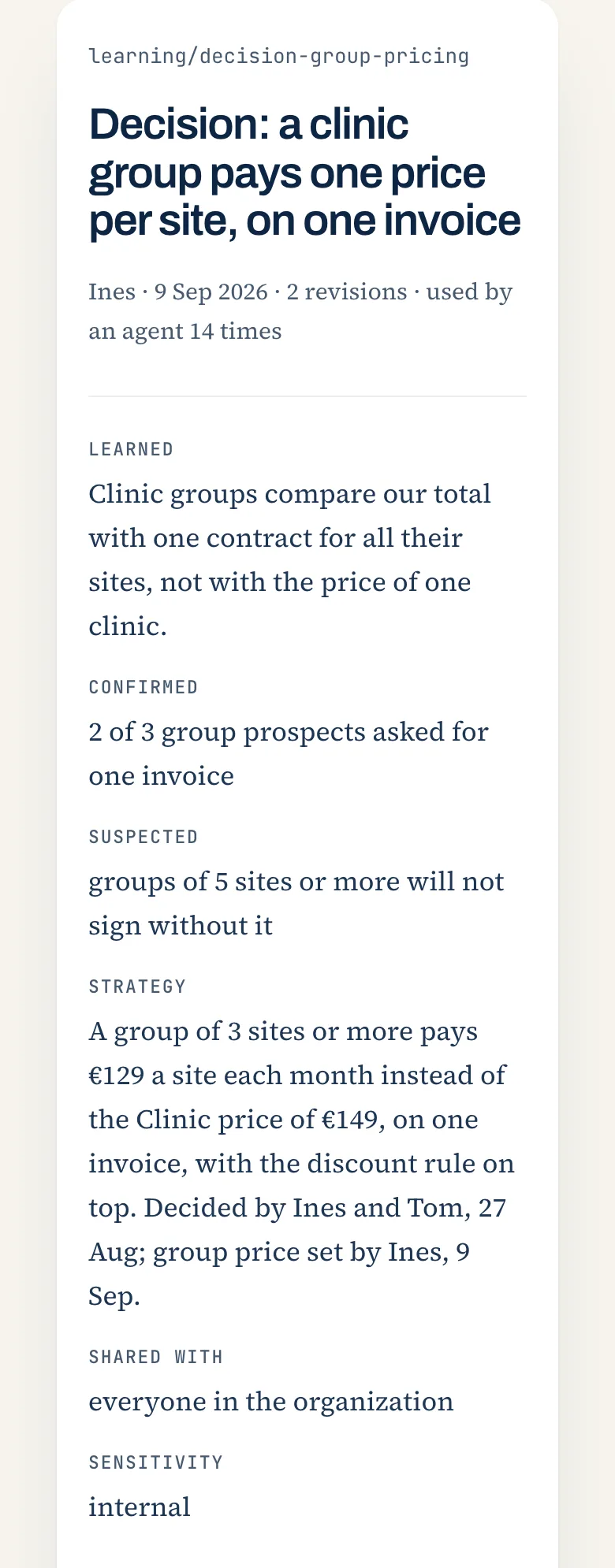
A stored memory in the Library: its key, the day it was written, and who reads it.
Ask a question that it answers
Start a new session or a new chat. In ChatGPT, turn on the Mana connector in the new chat and paste the prompt of ChatGPT again, because ChatGPT keeps the Mana rules for one chat only. Then ask:
What did we decide about <the subject of your decision>?The Mana rules tell the agent to search Mana first and to name each record it used. Look for your key in the answer. If it names no record, ask the agent to search Mana and answer again. From now on, every agent that you connect reads this memory.
Nothing was stored? Check that the agent has the Mana tools: in Claude Code,
/mcpshows the Mana server connected; in another agent, its guide shows where Mana is turned on. If you connected in this session, start a new session. If the tools are there, ask the agent to usemana_remember_interaction.